Create a DenseLines Heatmap
Source:R/StatLineDensity.R, R/StatPathDensity.R, R/stat_line_density.R
stat_line_density.Rdstat_line_density() is a 'ggplot2' statistic implementing the DenseLines
algorithm described by Moritz and Fisher (2018). stat_path_density() is to
stat_line_density() as geom_path() is to geom_line().
Usage
stat_line_density(
  mapping = NULL,
  data = NULL,
  geom = "raster",
  position = "identity",
  ...,
  bins = 30,
  binwidth = NULL,
  drop = TRUE,
  orientation = NA,
  na.rm = FALSE,
  show.legend = NA,
  inherit.aes = TRUE
)

stat_path_density(
  mapping = NULL,
  data = NULL,
  geom = "raster",
  position = "identity",
  ...,
  bins = 30,
  binwidth = NULL,
  drop = TRUE,
  orientation = NA,
  na.rm = FALSE,
  show.legend = NA,
  inherit.aes = TRUE
)
Arguments
- mapping
Set of aesthetic mappings created by
aes(). If specified andinherit.aes = TRUE(the default), it is combined with the default mapping at the top level of the plot. You must supplymappingif there is no plot mapping.- data
The data to be displayed in this layer. There are three options:
If
NULL, the default, the data is inherited from the plot data as specified in the call toggplot().A
data.frame, or other object, will override the plot data. All objects will be fortified to produce a data frame. Seefortify()for which variables will be created.A
functionwill be called with a single argument, the plot data. The return value must be adata.frame, and will be used as the layer data. Afunctioncan be created from aformula(e.g.~ head(.x, 10)).- geom
The geometric object to use to display the data, either as a
ggprotoGeomsubclass or as a string naming the geom stripped of thegeom_prefix (e.g."point"rather than"geom_point")- position
Position adjustment, either as a string naming the adjustment (e.g.
"jitter"to useposition_jitter), or the result of a call to a position adjustment function. Use the latter if you need to change the settings of the adjustment.- ...
Other arguments passed on to
layer(). These are often aesthetics, used to set an aesthetic to a fixed value, likecolour = "red"orsize = 3. They may also be parameters to the paired geom/stat.- bins
numeric vector giving number of bins in both vertical and horizontal directions. Set to 30 by default.
- binwidth
Numeric vector giving bin width in both vertical and horizontal directions. Overrides
binsif both set.- drop
if
TRUEremoves all cells with 0 counts.- orientation
The orientation of the layer. The default (
NA) automatically determines the orientation from the aesthetic mapping. In the rare event that this fails it can be given explicitly by settingorientationto either"x"or"y". See the Orientation section for more detail.- na.rm
If
FALSE, the default, missing values are removed with a warning. IfTRUE, missing values are silently removed.- show.legend
logical. Should this layer be included in the legends?
NA, the default, includes if any aesthetics are mapped.FALSEnever includes, andTRUEalways includes. It can also be a named logical vector to finely select the aesthetics to display.- inherit.aes
If
FALSE, overrides the default aesthetics, rather than combining with them. This is most useful for helper functions that define both data and aesthetics and shouldn't inherit behaviour from the default plot specification, e.g.borders().
Details
stat_line_density() provides the density variable, which normalises
count by its sum in each column of bins with the same value
of the variable on the orientation axis. This is also provided by
stat_path_density(), but should be used with caution as the DenseLines
algorithm assumes lines are connected in order of the variable on the
orientation axis. stat_path_density() therefore defaults to
aes(fill = after_stat(count)) rather than after_stat(density).
Aesthetics
stat_line_density() understands the following aesthetics
(required aesthetics are in bold):
xygroup
Computed variables
These are calculated by the 'stat' part of layers and can be accessed with delayed evaluation.
after_stat(count)
number of lines in bin.after_stat(density)
density of lines in bin. The result of the DenseLines algorithm.after_stat(ncount)
count, scaled to maximum of 1.after_stat(ndensity)
density, scaled to a maximum of 1.
Orientation
This geom treats each axis differently and, thus, can thus have two orientations. Often the orientation is easy to deduce from a combination of the given mappings and the types of positional scales in use. Thus, ggplot2 will by default try to guess which orientation the layer should have. Under rare circumstances, the orientation is ambiguous and guessing may fail. In that case the orientation can be specified directly using the orientation parameter, which can be either "x" or "y". The value gives the axis that the geom should run along, "x" being the default orientation you would expect for the geom.
References
Moritz, D. & Fisher, D. (2018). Visualizing a Million Time Series with the Density Line Chart. arXiv preprint arXiv:1409.0473. doi:10.48550/arxiv.1808.06019 .
Examples
library(ggplot2)
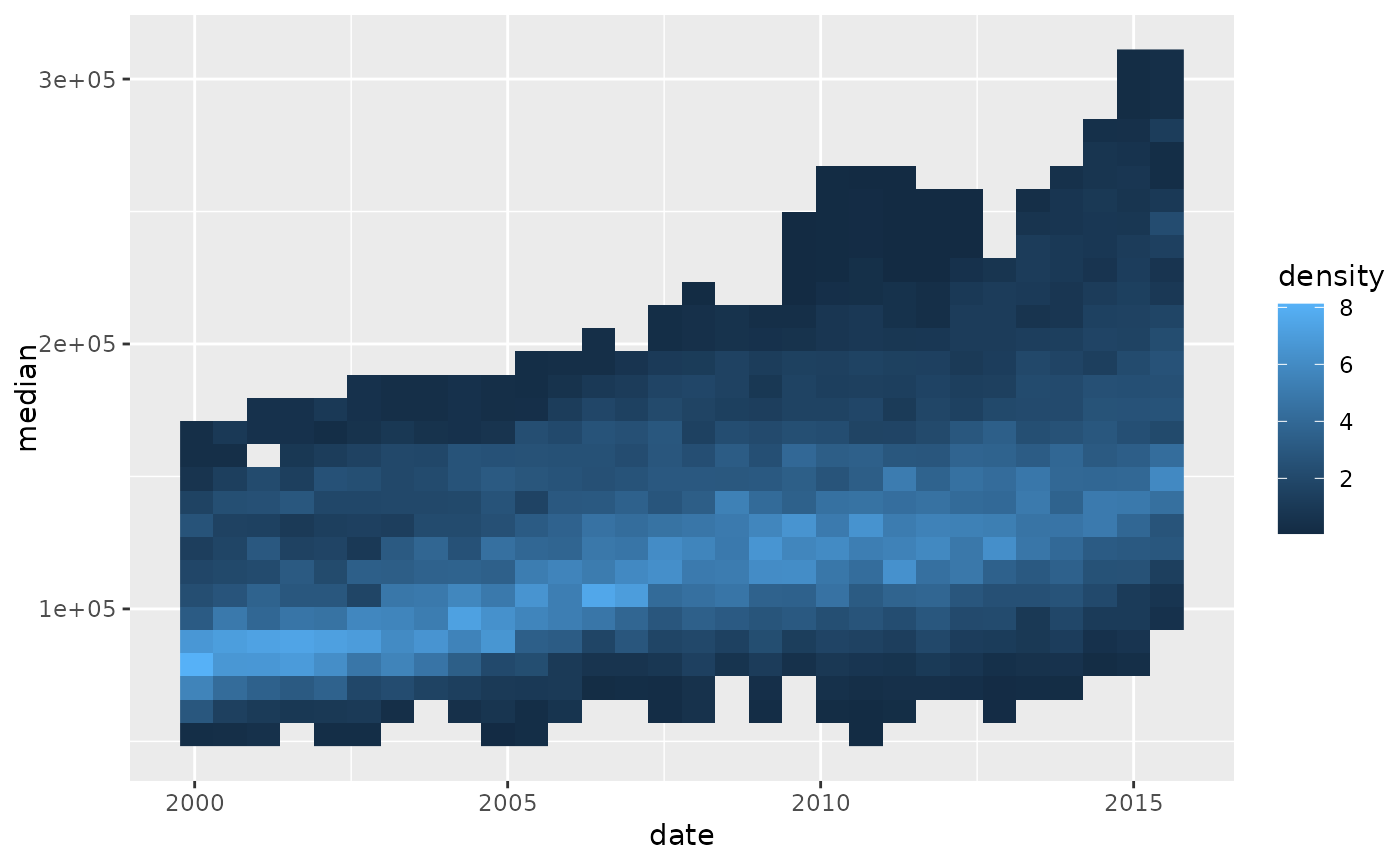
p <- ggplot(txhousing, aes(date, median, group = city))
p +
stat_line_density(drop = FALSE, na.rm = TRUE)
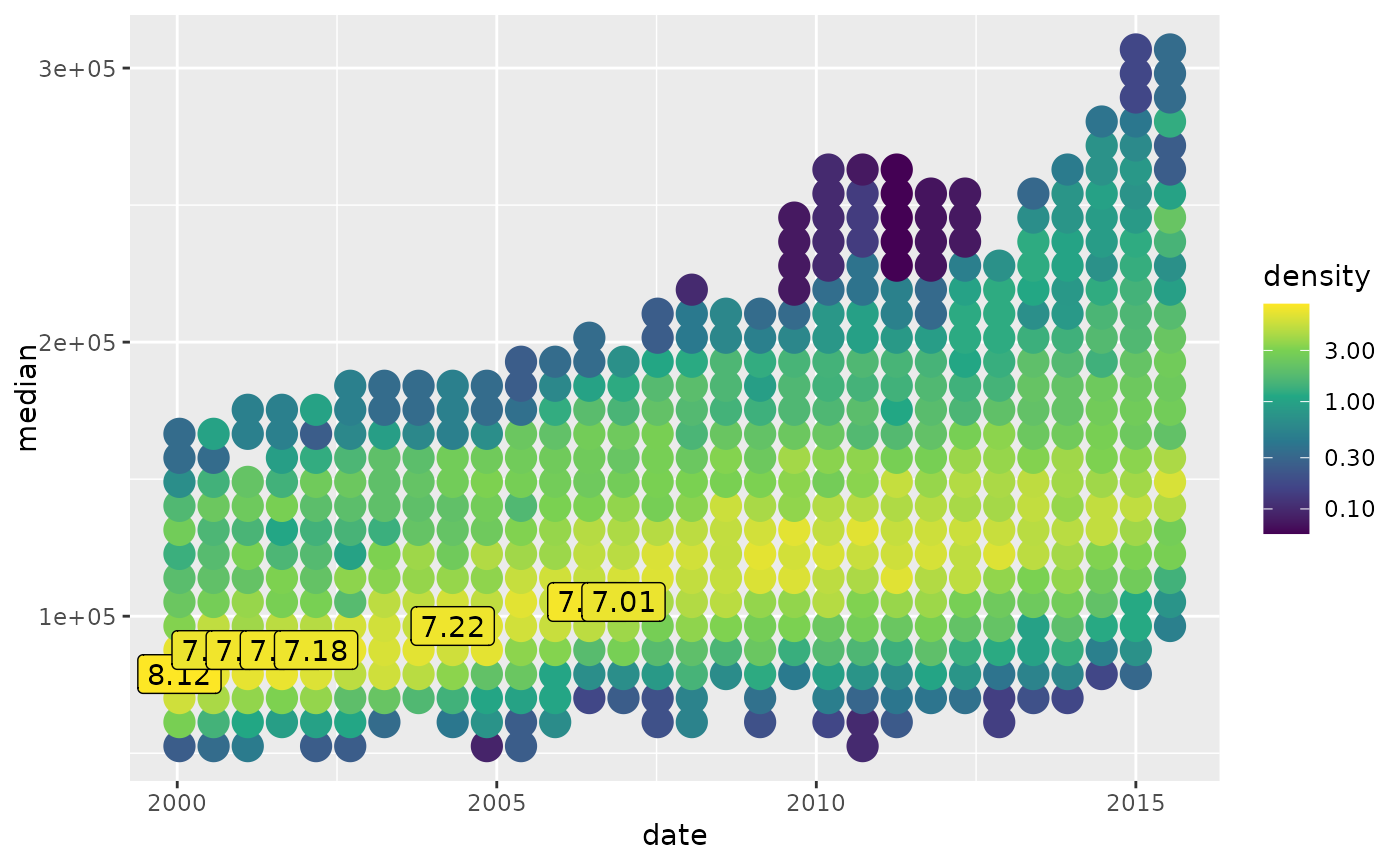
 p +
aes(fill = after_stat(count)) +
stat_line_density(
aes(colour = after_stat(count)),
geom = "point", size = 10, bins = 15, na.rm = TRUE
) +
stat_line_density(
aes(label = after_stat(ifelse(count > 25, count, NA))),
geom = "label", size = 6, bins = 15, na.rm = TRUE
)
p +
aes(fill = after_stat(count)) +
stat_line_density(
aes(colour = after_stat(count)),
geom = "point", size = 10, bins = 15, na.rm = TRUE
) +
stat_line_density(
aes(label = after_stat(ifelse(count > 25, count, NA))),
geom = "label", size = 6, bins = 15, na.rm = TRUE
)
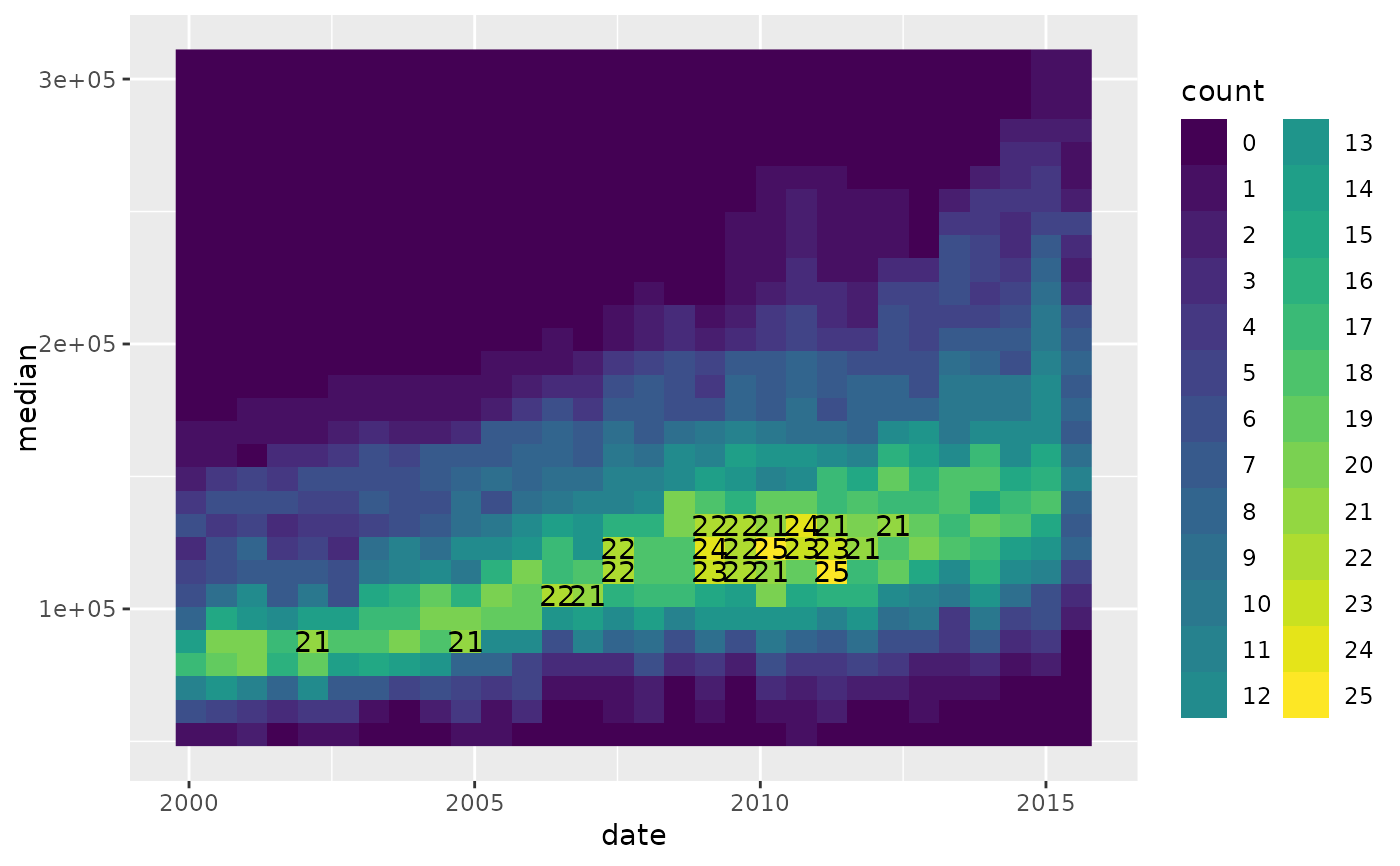
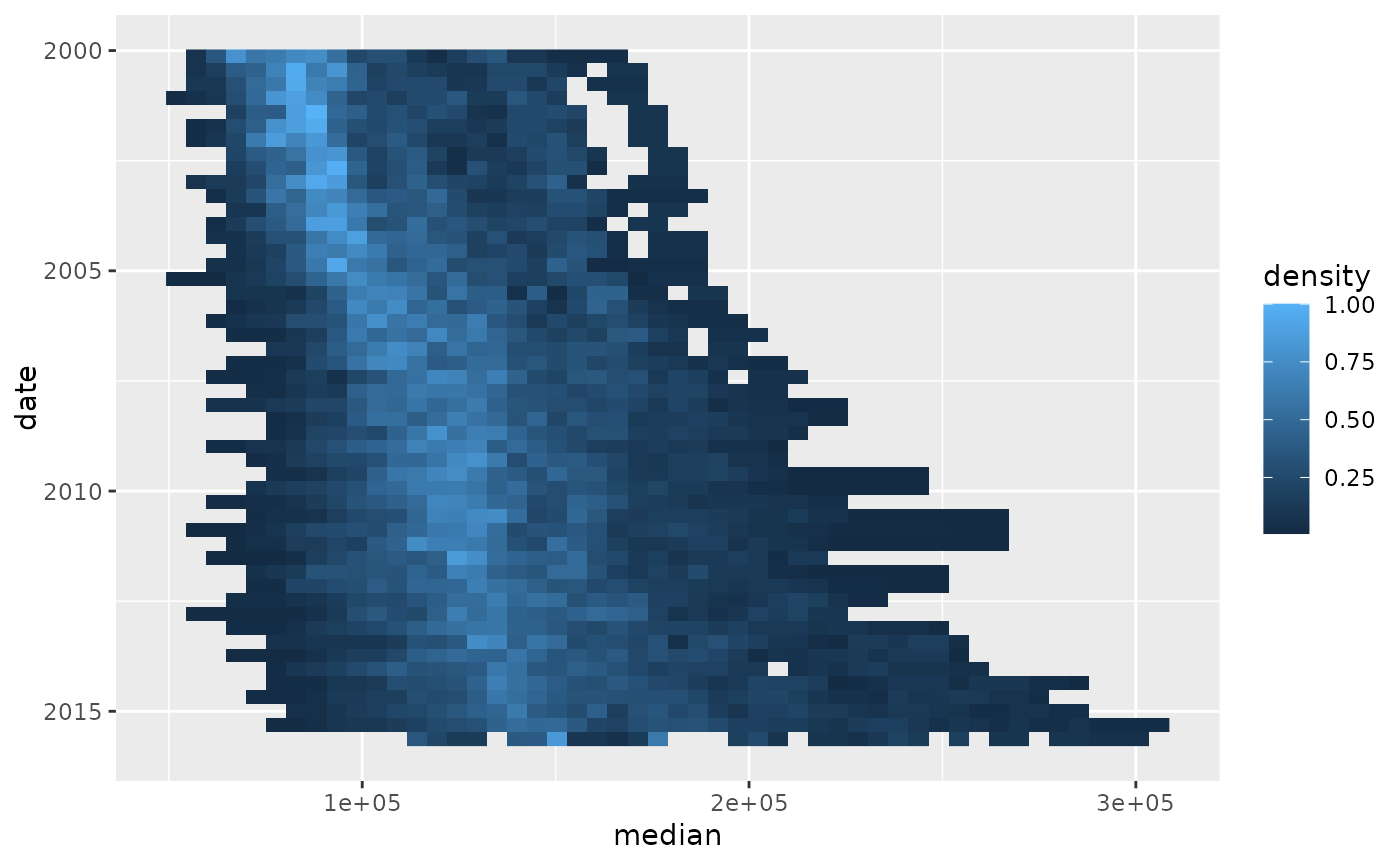
 ggplot(txhousing, aes(median, date, group = city)) +
stat_line_density(
aes(fill = after_stat(ndensity)),
bins = 50, orientation = "y", na.rm = TRUE
)
ggplot(txhousing, aes(median, date, group = city)) +
stat_line_density(
aes(fill = after_stat(ndensity)),
bins = 50, orientation = "y", na.rm = TRUE
)
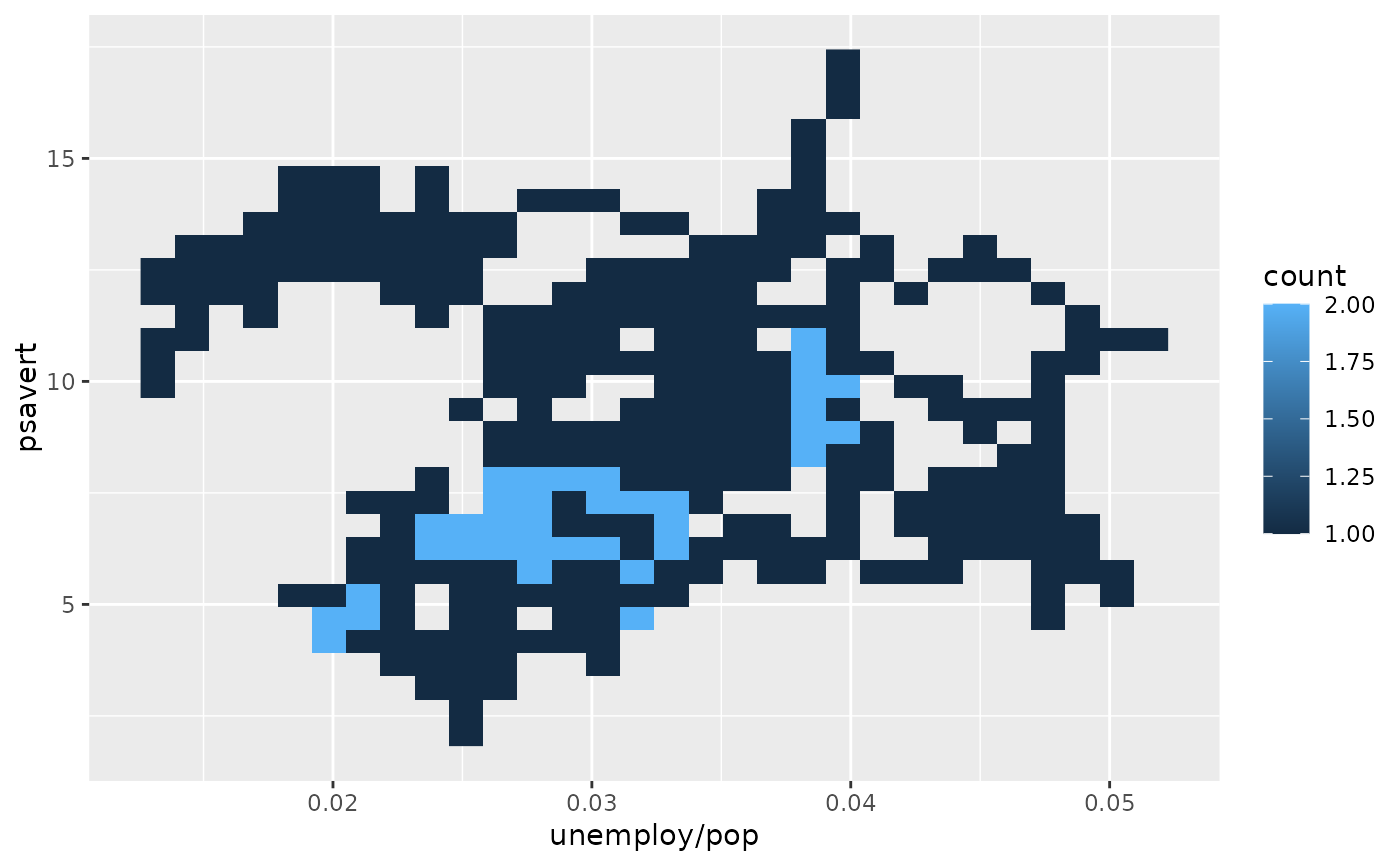
 m <- ggplot(economics, aes(unemploy/pop, psavert, group = date < as.Date("2000-01-01")))
m + geom_path(aes(colour = after_stat(group)))
m <- ggplot(economics, aes(unemploy/pop, psavert, group = date < as.Date("2000-01-01")))
m + geom_path(aes(colour = after_stat(group)))
 m + stat_path_density()